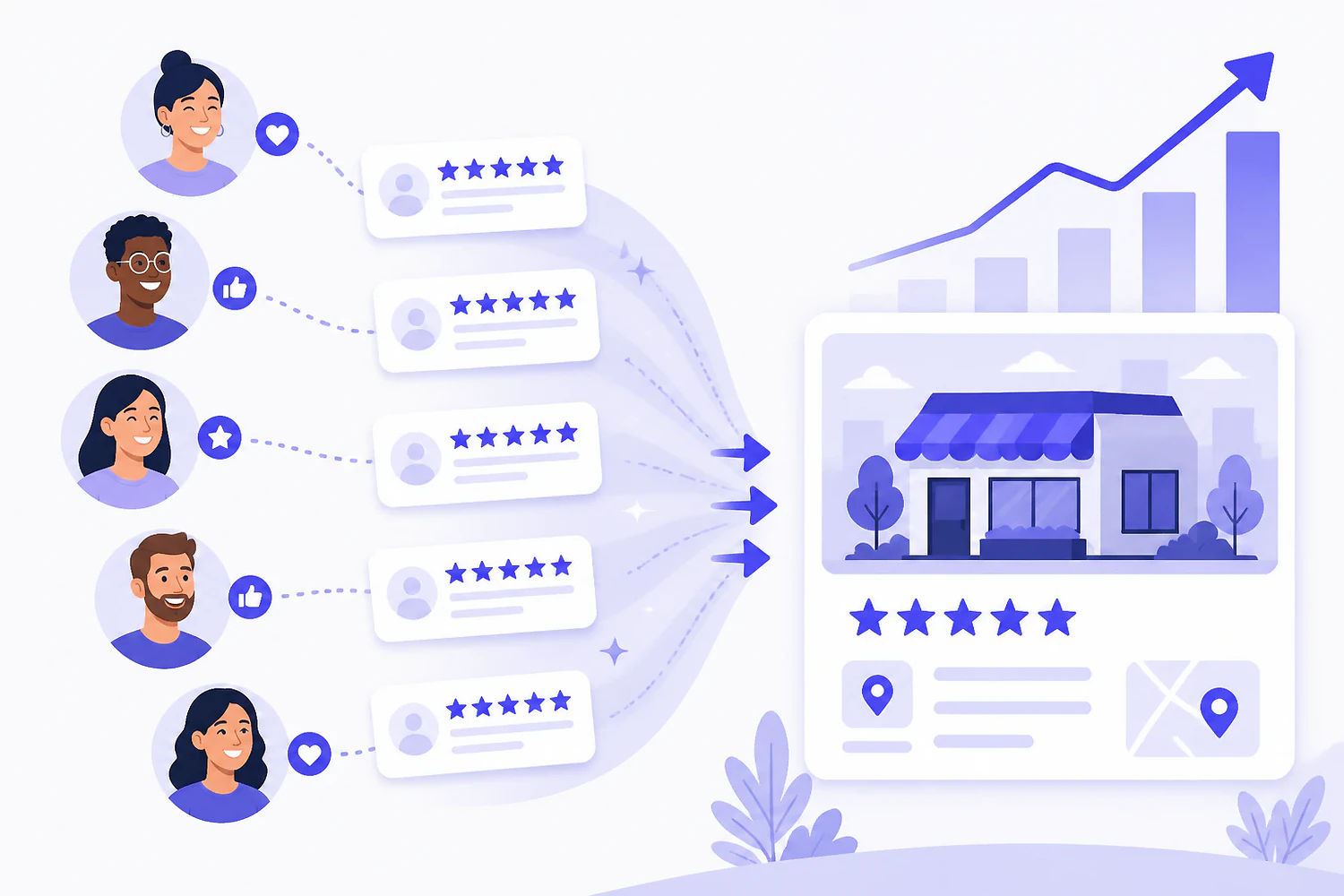
Google gives every verified business a direct review link. Most owners have never sent it.
To get more Google reviews, make leaving one nearly effortless and make asking automatic: pull the short review link from your Business Profile, send it by text or email within hours of the job, put a QR code where customers already stand, ask every customer instead of a hand-picked few, and reply to everything that comes in. None of it involves paying anyone or filtering who gets asked. That's the whole system. The rest of this guide is how to run it without tripping Google's spam filters or its review-gating policy, and how to tell whether it's actually moving your map-pack position.
Reviews are a ranking input, not just a trust badge.
Google's local algorithm leans hard on prominence, its measure of how known and trusted a business is, and of everything that feeds prominence, reviews are the part you can influence this week. The algorithm reads more than the star average: how many reviews you have, how recent they are, how steadily they arrive, whether you respond, and what words customers use inside them.
That last signal is the one most businesses miss. Google mines review text for what it calls review justifications, the bolded snippets under a map-pack listing that quote a review containing the searcher's own words. When a customer writes "replaced our water heater the same day," you've just been connected to "water heater replacement" searches in a way your profile description alone can't manage. You can't script that, and you shouldn't try, but you can invite it: "feel free to mention what we worked on" is a compliant nudge toward specifics.
Reviews don't work in isolation. They compound with the category, photo, and freshness work covered in our guide to Google Business Profile optimization, and they sit inside the broader local SEO for small business picture alongside citations, links, and your site itself. But among all of those levers, reviews are the one with a weekly cadence. And recency decays, which is why a big number collected years ago protects you less than most owners assume.
A review pipeline you run every week beats a review drive you run once.
One link, one QR code, one owner. Half an hour, start to finish.
Everything below exists to shorten the path between "sure, happy to" and a published review. Every extra tap loses people.
- Grab your direct review link. In your Business Profile (search your business name in Google while signed in as the owner), hit "Ask for reviews." Google generates a short link that opens the review box directly, no searching, no scrolling past competitors.
- Turn it into a QR code. Any free QR generator works. Print it where a customer already stands or waits: the counter, the table tent, the invoice, the packaging slip, the back of the van.
- Write one sentence per channel. A text script, an email line, an in-person ask. Short and direct beats clever: "If we did a good job today, a Google review helps us more than you'd think. Here's the link."
- Wire the ask into the workflow. The trigger is "job marked complete" or "order delivered," not "whenever someone remembers." If your invoicing or booking tool can auto-send a message on completion, put the link there.
- Give it an owner. Review requests without a named person responsible go the way of every other shared chore. One person owns sending the asks and replying to what lands.
- Reply to every review within a day or two. Responses are a visible activity signal, and your reply to a rough review is read by every future customer deciding whether to call you.
Six ways to ask, ordered by how well they convert.
In person, by the person who did the work
Nothing converts better. The technician, stylist, or server who just delivered the result asks directly, then the link arrives by text before the customer's out of the parking lot.
Text message
Texts get opened and links get tapped, which makes SMS the strongest remote channel for most local businesses. Send within hours of the job, one link, no attachments, no essay.
Slower than SMS but right for invoiced work and desk-bound customers. A plain-text note from a real person outperforms a designed template. One call to action, the review link.
QR code at the point of service
The counter, the table, the waiting room, the checkout screen. It catches the customer at peak goodwill with their phone already in hand, and it costs you one sheet of paper.
On the invoice or receipt
A single line under the total with the short link or QR code. It works because it rides a document the customer was going to look at anyway, especially for trades and B2B services.
The one follow-up
A polite reminder three or four days later often adds nearly as many reviews as the first ask did, because most people intended to and forgot. One follow-up, then stop. Two reads as nagging.
Channel matters less than timing. The right moment is peak satisfaction, and that lands differently by business: for a service call it's the moment the job's done and the customer is standing in front of the fixed thing; for a restaurant it's the same evening; for e-commerce it's a few days after delivery, once the product's actually been used; for an agency or B2B service it's right after a milestone the client is happy about. Ask at the peak, not at month-end when the invoice goes out and goodwill is at its lowest.
And ask everyone. Not just the customers you're sure will gush. That's partly policy, as the next section covers, and partly math: your unhappy customers already know how to find the review box on their own. Asking everyone mostly adds the quiet, satisfied majority who'd never have gone looking for it.
The line between asking and cheating, drawn precisely.
Asking for reviews is allowed, encouraged, and expected. A handful of specific tactics are not, and they're the ones that get reviews filtered or profiles suspended.
Allowed and effective
Everything here is inside Google's policies.
- ✓ Asking every customer directly, in person or by text or email
- ✓ Sharing your direct review link and QR code anywhere customers see it
- ✓ One follow-up reminder to customers who meant to and forgot
- ✓ Inviting specifics ("mention what we worked on") without dictating wording
- ✓ Responding to every review, positive and negative
Violations
Each of these risks filtered reviews or a suspended profile.
- × Paying for reviews, or trading discounts, gifts, or entries for them
- × Review gating: surveying sentiment first and only sending happy customers to Google
- × Reviews from you, your employees, or their families
- × Swapping reviews with other businesses, or buying them from farms
- × On-site review stations or kiosks that bulk-collect reviews from your location
- × Pressuring or threatening customers over negative reviews
Gating deserves the extra word because so many "reputation funnels" still quietly do it. The pattern: a survey asks "how did we do?", routes four-and-five-star answers to Google, and routes the rest to a private feedback form. Google banned exactly this in an April 2018 policy update ("don't discourage or prohibit negative reviews or selectively solicit positive reviews"), and it's the reason the compliant version of every funnel shows the Google link to every customer, whatever they clicked on the survey.
Enforcement is not hypothetical. Google's filters watch for velocity spikes, repeated devices and networks, and accounts with no review history, which is why a burst of forty reviews in a weekend often ends with half of them silently removed. And since late 2024, a US FTC rule against fake and incentivized reviews carries civil penalties that can reach five figures per violation. The boring truth is that the compliant system above also happens to be the highest-yield one; the shortcuts mostly buy filtered reviews and risk.
Watch review velocity show up on the map, point by point.
What reviews buy you in ranking terms is prominence, and prominence is the factor that lets you outrank a competitor who's physically closer to the searcher. So when a review push works, the wins show up first at the edges of your service area, the blocks where you used to lose on distance and now win on trust. That's exactly the zone a single blended rank number can't see; one average will never show you a radius widening. If the mechanics of that are new, our guide on how to rank higher on Google Maps walks through the full relevance, distance, and prominence picture.
This is the part of the review game Hypado was built for. Its local grid tracker scans Google Maps from a grid of points around your location, 3x3 for a single storefront up to 11x11 for a metro, and each pin is a real search from that exact spot. Run the scan weekly while the review system runs, and you can watch the edge pins move: the ring where you were ranking sixth and seventh tightening toward the top three as the reviews accumulate. Instead of wondering whether the last two months of asking did anything, you see which neighborhoods it reached and which still need work.
Two honest caveats. Reviews move rankings on a scale of weeks and months, not days, and no tracker speeds that up; what the grid changes is knowing whether it's working. And Hypado won't send your review requests for you. Dedicated review-management platforms like Birdeye, Podium, and BrightLocal own that job, and if you want automated request campaigns at scale, they're the right tools. Hypado's job is the other half: showing whether the reviews you're earning are converting into visibility, on the same dashboard as your rankings, keywords, and site audit. The free plan includes a taste of the grid with no credit card, which is enough to baseline your map before the review push starts.
Questions people actually ask
Can I ask my customers for Google reviews?
Yes. Asking is explicitly fine, and Google's own Business Profile tools generate a share link for exactly this purpose. What's prohibited is paying or incentivizing, filtering who gets asked by how happy they are, and posting reviews yourself or through employees.
Is it against the rules to offer a discount for a review?
Yes. Any incentive (money, discounts, gifts, or contest entries) violates Google's review policies whether or not you ask for a positive review specifically. In the US it can also fall under the FTC's rule on fake and incentivized reviews, which carries real financial penalties. The risk is wildly out of proportion to the benefit.
What is review gating?
Screening customers by sentiment before showing them the review link, typically with a "how did we do?" survey that sends happy customers to Google and unhappy ones to a private form. Google banned it in 2018. A compliant funnel can still ask for internal feedback, but the Google review option has to be available to everyone.
Why did some of my Google reviews disappear?
Usually the spam filter. Reviews get removed when they arrive in unnatural bursts, come from accounts with no history, share devices or networks, or contain flagged content. Profile changes like a rebrand or address move can also temporarily drop reviews. If a legitimate review vanishes, you can appeal through the Business Profile support flow, but prevention (steady velocity from real customer accounts) is far more reliable than recovery.
Do responses to reviews affect ranking?
Google encourages responding and treats engagement as part of an active, trustworthy profile, though nobody outside Google can isolate the exact ranking weight. The conversion effect is not in doubt: your reply to a critical review is read by every prospect comparing you against the listing next to yours, and a calm, specific response there wins customers on its own.
Build the review engine, then watch it move the map.
Run the weekly ask, stay inside the lines, and baseline your grid before the push so you can see exactly which blocks the new reviews win you. Start free, no credit card.