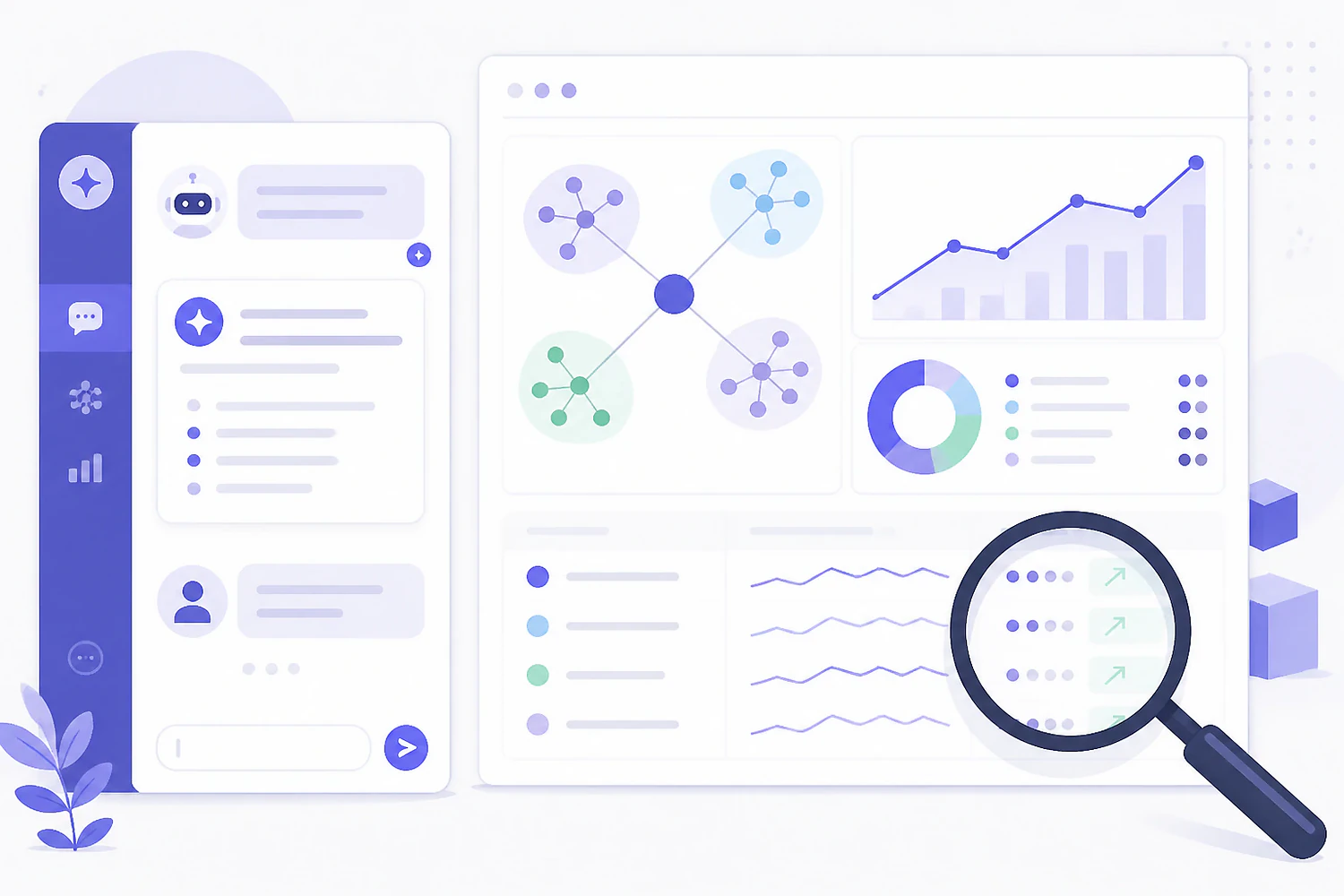
ChatGPT gives great SEO advice about data it can't see.
Paste a screenshot of your Search Console graph into ChatGPT and ask what happened, and you'll get a confident list of possible causes with no way to tell which one is yours. That's the ceiling on most "ChatGPT for SEO" advice: the model is sharp but blind. Used well, it earns its keep in two distinct modes. Out of the box, it's a fast language tool for title tags, schema, regex, and outlines. Connected to your SEO data through an MCP connector, it becomes something closer to an analyst: it can pull your actual rankings, name the keyword that moved, and draft the fix as a plan your team can track.
The copy-paste mode caps out for a predictable reason. Everything you feed the model is a snapshot: a CSV export from last Tuesday, a cropped screenshot, a pasted table missing half its columns. The model fills every gap with the most plausible-sounding guess, and it never flags which parts are guessed. The classic failure is asking for keyword search volumes and getting a tidy table of numbers that were invented on the spot, because the model has seen thousands of keyword tables and knows exactly what one looks like.
What changed in 2025 is MCP, the Model Context Protocol: an open standard that lets an AI assistant call outside tools and read live data mid-conversation. ChatGPT and Claude both support connectors built on it. Instead of describing your rankings to the model, you let it look them up. The rest of this guide covers both modes honestly: the copy-paste jobs where plain ChatGPT is genuinely excellent, and the connected workflows that stop it from guessing.
ChatGPT out of the box
A language tool working from whatever you paste in.
- ✓ Fast at rewrites, outlines, schema, and regex
- ✓ Zero setup, works on the subscription you have
- × Only sees the screenshot or export you feed it
- × Invents plausible numbers where data is missing
- × Every session starts from a blank slate
ChatGPT connected to your SEO data
An analyst that checks before it answers.
- ✓ Queries live rankings, keywords, backlinks, and the local grid
- ✓ Answers cite your real numbers, with dates attached
- ✓ Writes findings back as a tracked, assignable plan
- × Needs an MCP-capable platform on a paid tier (Hypado's starts at $49/mo)
The copy-paste jobs ChatGPT is genuinely good at.
Before any connector enters the picture, plain ChatGPT already covers a real slice of SEO work: the language-shaped tasks where the input fits in the chat box and nothing needs to be looked up.
- Title tags and meta descriptions at volume. Paste thirty URLs with their H1s and ask for rewrites under 60 and 155 characters. Expect to edit; a third will be usable as written and the rest are decent starting points, which still beats writing thirty from scratch.
- Schema markup. It writes valid JSON-LD for FAQ, LocalBusiness, Product, and Article faster than any generator, and when the validator throws an error it can explain and fix its own output.
- Search Console regex. Describe the filter in plain English ("every query containing a question word but not our brand name") and it produces the regex. This alone justifies the chat window for most people.
- Outlines from a pasted SERP. Copy the headings from the top five ranking pages and ask what subtopics they share and what's missing. It's good at structure; just don't let it estimate any numbers while it's there.
- Internal linking suggestions. Paste a list of page titles and URLs and ask which pages should link to which, with what anchor text. Tedious by hand, quick in chat.
- Cleanup passes. Tightening a bloated intro, pulling an FAQ section out of a support thread, rewriting a paragraph at an eighth-grade reading level.
The line to hold: use plain ChatGPT for anything language-shaped, and never for anything data-shaped. Keyword brainstorming in chat is fine. Keyword volumes from chat are fiction, so validate every candidate list against a real keyword research workflow with actual volume and difficulty numbers before you build a content calendar on it.
ChatGPT has never seen your search volumes, only what tables of search volumes tend to look like.
Give the model read access to your actual numbers.
An MCP connector turns the assistant's biggest weakness, not knowing your data, into a lookup problem. Setup takes minutes; the difference shows up in the first answer.
MCP is an open protocol, so the setup isn't tied to one vendor's chatbot. With Hypado it works like this: you add Hypado as a connector inside the ChatGPT or Claude account you already pay for. A couple of clicks, authenticate with a workspace key, done. There are no developer API keys to manage and no second AI bill, because Hypado isn't reselling a model with a markup on top. Your own assistant does the reading; Hypado supplies the data it reads.
That pricing detail matters more than it sounds. Most big SEO suites that added AI run it the other way around: their model, inside their dashboard, often as a paid add-on. The connected approach inverts it. The AI subscription you've already justified becomes the interface, and the SEO platform becomes a set of tools it can call: rank history, keyword data, backlink profiles, site audits, the local grid, and the action plan.
One scope note, because this space is full of inflated compatibility claims: MCP is a standard, so any assistant that supports it should work. We've verified the Hypado connector end to end with ChatGPT, Claude, and z.ai. We haven't tested Gemini or Perplexity as connector clients, so we won't claim them. And MCP access sits on Hypado's paid plans, from Starter at $49/mo; the free tier ($0, no credit card) covers tracking but not the connector.
Six things to ask once it can see your data.
Each recipe below assumes the platform has been collecting in the background. The assistant queries what daily rank tracking, grid scans, and the keyword database have already stored, rather than scraping anything live on demand.
Diagnose a ranking drop
"Which tracked keywords moved more than three positions this week, and which pages were hit?" You get names, dates, and the affected URLs instead of eight hypotheses. Follow up with "pull the SERP for the biggest loser and tell me what changed."
Turn keyword data into a brief
"Pull keyword ideas around walk-in tubs, keep anything over 200 monthly searches under 40 difficulty, cluster them, and draft a brief for the strongest cluster." The volumes are real because they're queried, not recalled.
Interrogate the local grid
"Where on the grid am I outside the top three for emergency plumber?" The answer comes back as specific pins and neighborhoods, not the blended average that hides them.
Run a competitor gap
"Which keywords does the competitor rank top ten for that we don't track at all?" Then: "which of those match pages we already have?" Two questions replace an afternoon of spreadsheet joins.
Convert findings into a tracked plan
"Turn this into an action plan." The assistant writes the items into the workspace, where they can be assigned, scheduled, and checked off. This is the step that normally dies in a chat transcript nobody reopens.
Draft the monthly report
"Summarize what moved this month: rankings, new and lost backlinks, grid changes." The numbers come from the workspace, so the write-up starts accurate and you spend your time on the commentary instead.
When plain ChatGPT is enough, and what stays true either way.
If your SEO surface is a five-page site, a Google Business Profile, and the occasional blog post, you don't need any of the connected machinery. Free ChatGPT plus free Search Console covers that job, and buying a platform for it would be spending money to feel organized. The connected setup pays off when there's enough tracked data that "let me check" beats "let me guess": dozens of keywords, multiple locations, a client roster, a team that needs the findings to become assignments.
Connecting the data also doesn't repeal the verification rule. A language model can still misread a table or overstate a trend, connected or not. The practical difference is that a connected answer is checkable: it references numbers sitting in your dashboard, so a thirty-second sanity check either confirms it or catches it. An invented number from a copy-paste session offers nothing to check against.
Last distinction, because the two topics get blurred constantly: this article is about ChatGPT as labor, a thing that works for you. The other half of the story is ChatGPT as a search surface where your customers ask for recommendations, and earning a spot in those answers is a different playbook entirely; that one's covered in how to rank on ChatGPT. If you're stepping back further and deciding what your whole toolkit should look like now that both of these matter, start with what to look for in SEO tools for the AI era.
What people ask about using ChatGPT for SEO.
Can ChatGPT do keyword research?
Half of it. It's a strong brainstormer: seed terms, question variations, angles you hadn't considered. What it can't do from chat alone is tell you real search volumes or difficulty; ask, and it will produce convincing numbers it made up. Either treat it as step one and validate in a keyword tool, or connect the tool over MCP so the volumes in the conversation are queried rather than invented.
Is using ChatGPT for SEO against Google's guidelines?
No. Google's policies target scaled content abuse, meaning mass-produced pages made primarily to manipulate rankings, regardless of whether a human or a machine wrote them. Using AI to research, draft, analyze data, or edit is fine. Publishing high volumes of unedited output with nothing added is what gets sites hit, and that was a bad idea before AI too.
What is an MCP connector?
MCP (Model Context Protocol) is an open standard that lets AI assistants call external tools and read external data during a conversation. A connector is one service made available that way: you add it in the assistant's settings, authenticate once, and the assistant can then query that service whenever a question needs it.
Do I need a paid ChatGPT plan for this?
The connected workflow assumes the ChatGPT or Claude subscription you already carry, and both assistants generally gate connector support to their paid tiers, so check what your plan includes. On the platform side, Hypado's MCP access starts on the Starter plan at $49/mo; the free tier tracks data but doesn't include the connector.
Which AI assistants work with a Hypado connector?
Any MCP-compatible assistant should, since the protocol is an open standard. We've verified it end to end with ChatGPT, Claude, and z.ai. We haven't tested Gemini or Perplexity as connector clients, so we don't claim them; Hypado does track your visibility in their answers, but that's a separate feature from the connector.
Ask your SEO questions to something that can check.
Hypado starts free, no credit card. Connect it to the ChatGPT or Claude you already pay for and the guessing stops.